Step 3 - Save platforms
Saving a platform lets you send messages from your own account. You need an internet connection to save a platform, so do it before a shutdown.
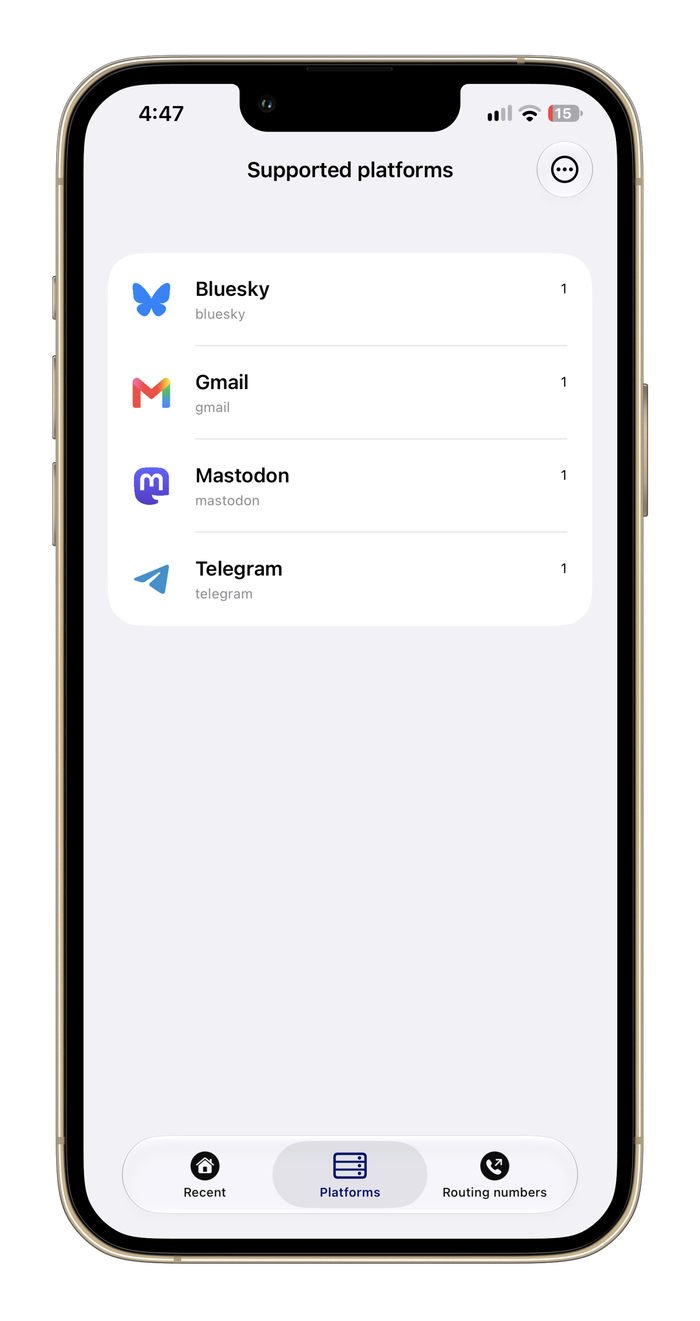
RelaySMS on iOS currently supports 4 platforms:
- Bluesky
- Gmail
- Mastodon
- Telegram
You don't need to save anything to send an email with R-Mail. See Sending a message.
Save an account
- Go to the Platforms tab and tap the platform you want to save.
- Tap Add new.
- If iOS asks to let RelaySMS sign in, tap Continue.
- Sign in to your account and allow access. For Telegram, enter your phone number and the code sent to your Telegram app.
- Your account appears in the list.
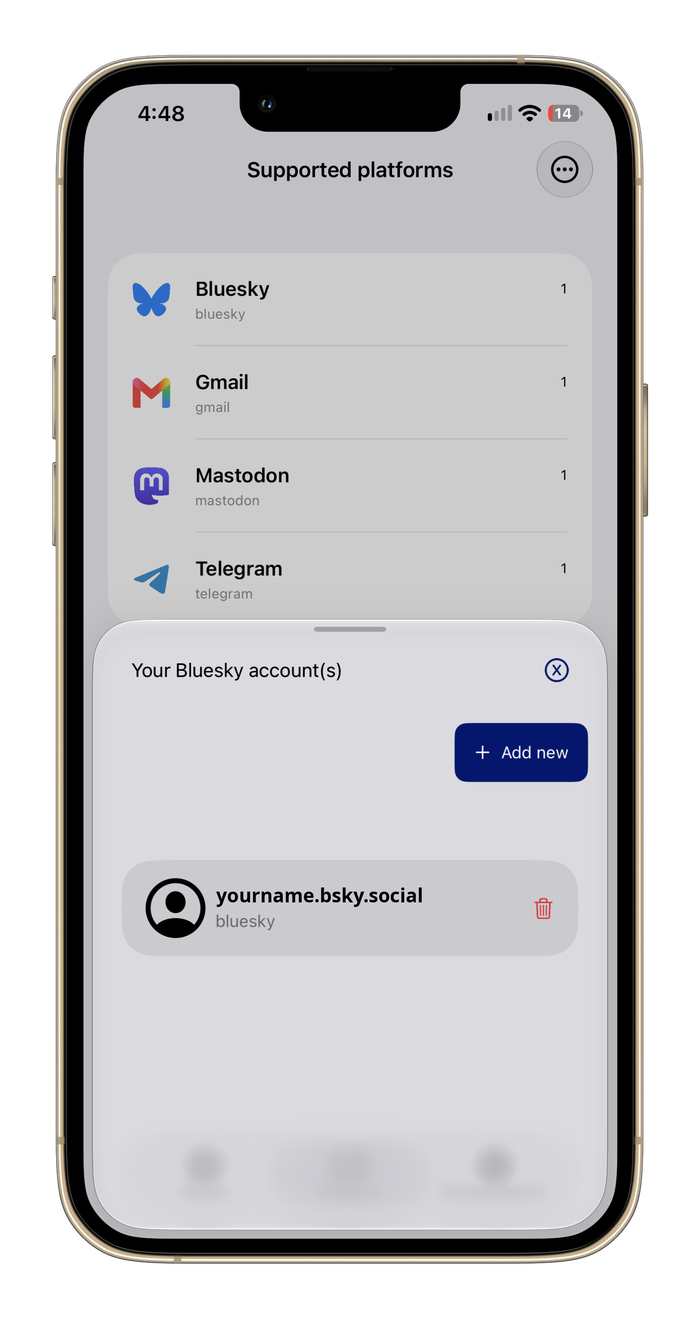
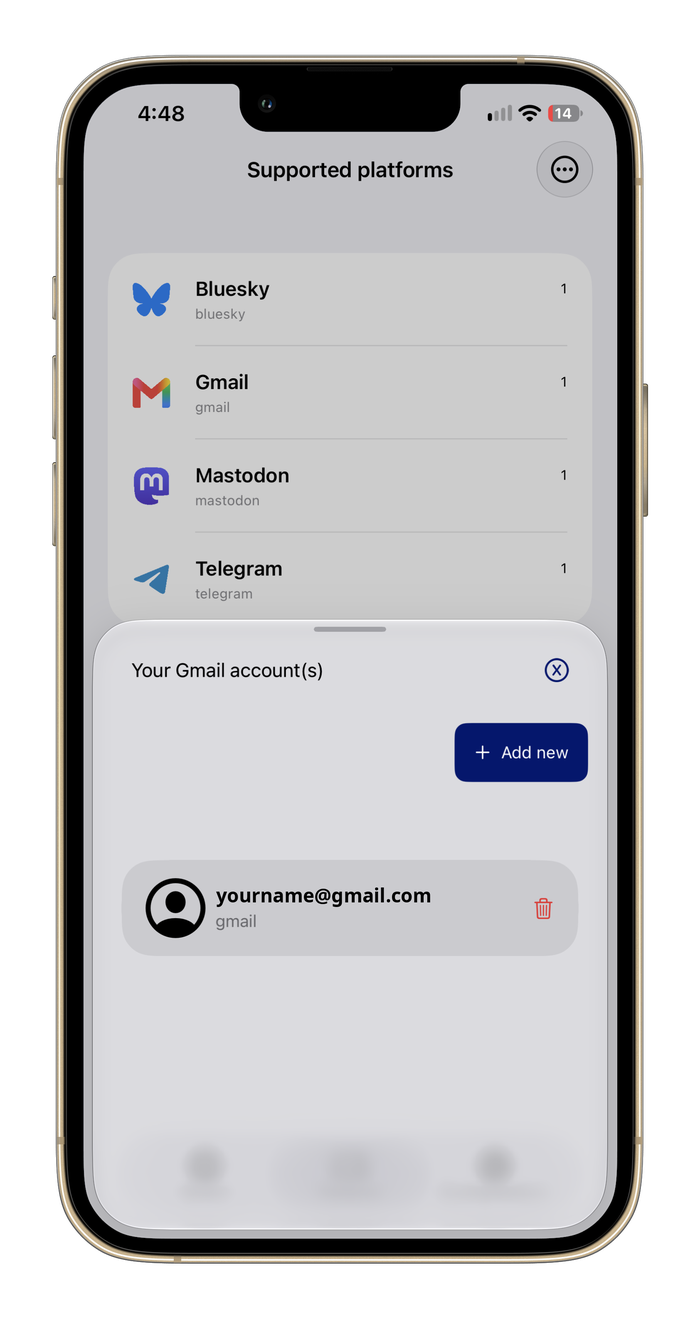
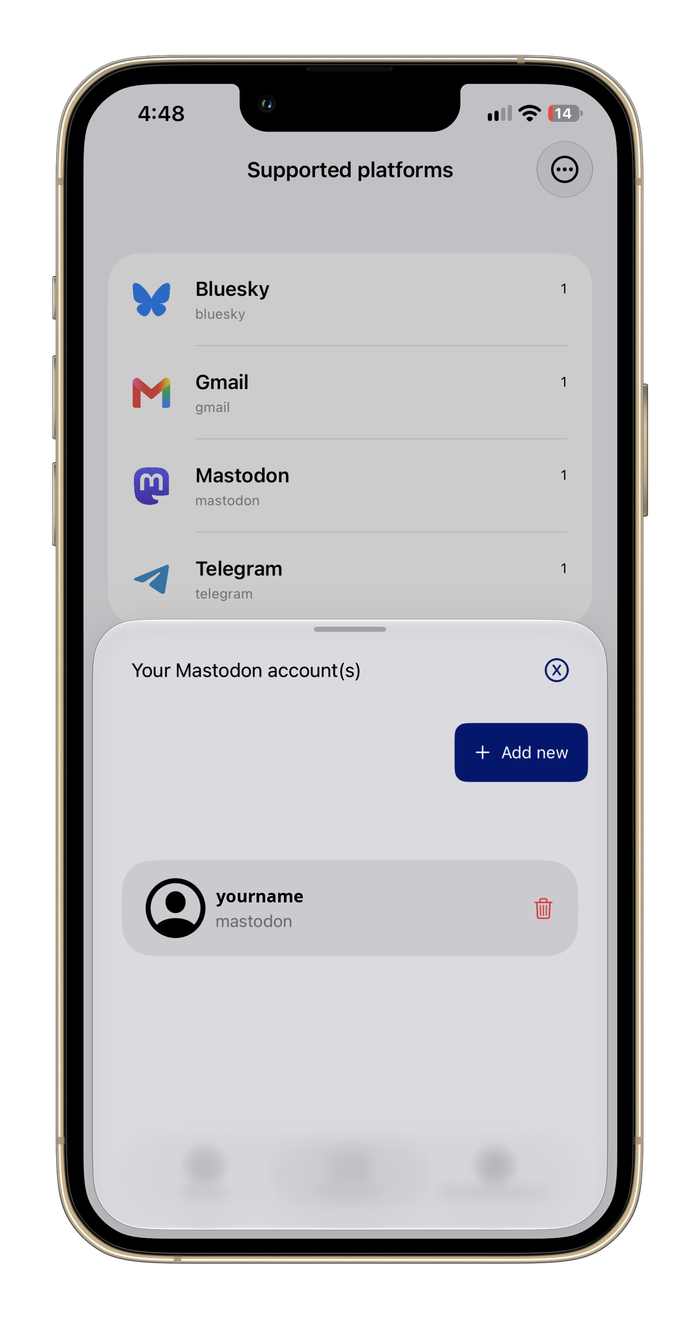
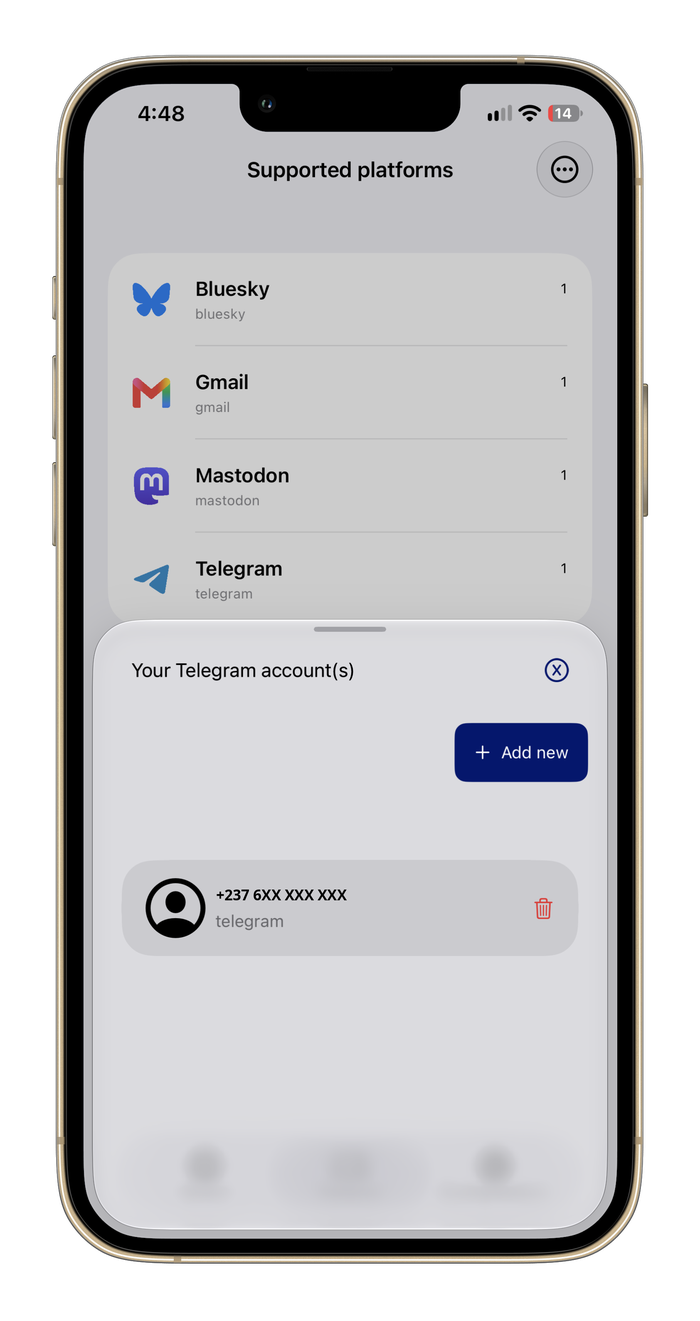
Repeat for each platform you want to use. The number next to each platform shows how many accounts you have saved for it.
Remove an account
- Go to the Platforms tab and tap the platform.
- Tap the red bin icon next to the account.
Remember to back up after you save or remove a platform.